Shape Workshop lets children turn pieces, join them and see how different shapes can make the same outline.
This is the part of the suite for making pictures and thinking about space. I wanted the pieces to be useful objects you could try in different places, with room for an unexpected solution.
How it works
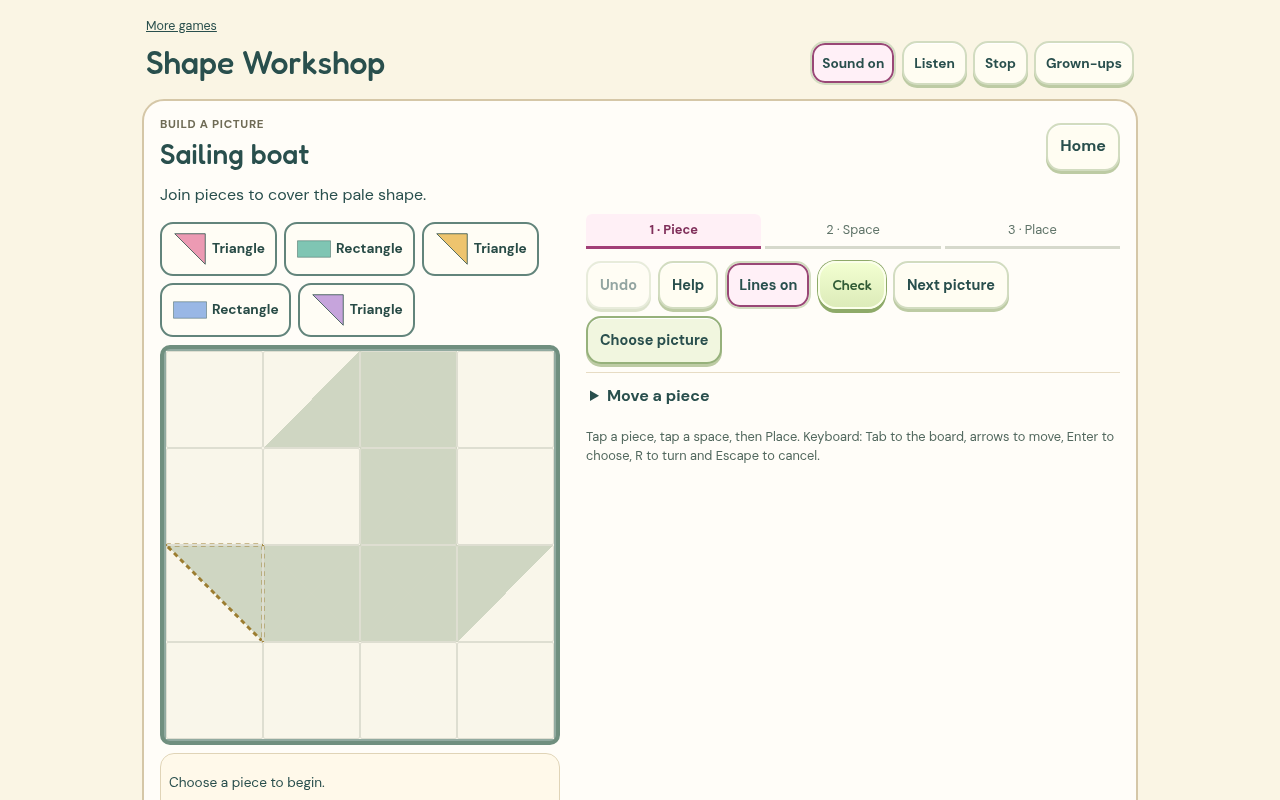
You can make a picture freely or choose from named projects, starting with simple shapes and moving on to recognisable pictures. Select a piece, turn it and choose where it goes. A preview shows the orientation you are carrying, and Undo leaves room to experiment.
Another way keeps the outside shape and asks for different joins inside it. The first and second builds stay visible for comparison. My pictures shows thumbnails of saved work, which can be reopened and changed. A picture does not need to fill the board to be worth keeping.
What needed more care
The geometry uses an exact grid of small triangular parts. That lets the game check whether pieces fit without demanding one supplied answer. A complete alternative arrangement is accepted when it really covers the outline.
Hints needed more care. The early version could recommend a piece that was already in the occupied space. Hints now consider the remaining cover. When the current arrangement cannot be completed, the hint explains that some pieces need moving.
Checking the learning
I checked the game against the report's distinction between exploring a turn and predicting one. There is now an optional pictured quarter-turn question before the movement is shown. It does not place the piece for you. You can also point to the actual edge where two pieces join, and use printable paper shapes away from the screen. The choice to hide internal guide lines now stays in place for the next task.
What I built it with
I used HTML, CSS, JavaScript and SVG. The pieces have exact geometry, so a picture can be saved as editable placements and checked against the outline. Decorative artwork comes from the existing Grow Word and Moho workflow.
Codex helped me build and check the game. I generated the complete British English speech recordings locally with Kokoro, so there is no paid AI service needed while you play.
The menus and controls now share Grow Word's locally stored fonts, warm cream colours and rounded buttons. Each game keeps its own play area and pictures.
The game is free to play without an account. Saved work stays in this browser on this device, so clearing browser data can remove it. Once its offline pack has finished saving, the game can be played without a connection.
What I want to check next
I want to see which pictures children recognise without an explanation, and whether comparing two sets of joins helps them see the same whole in different ways.
This is still an early release. Browser testing and independent design reviews help find software and interaction problems. I still want physical phone checks and observation with children before making claims about independent use or learning gains.